- Star Rating
- 5.00 star(s)
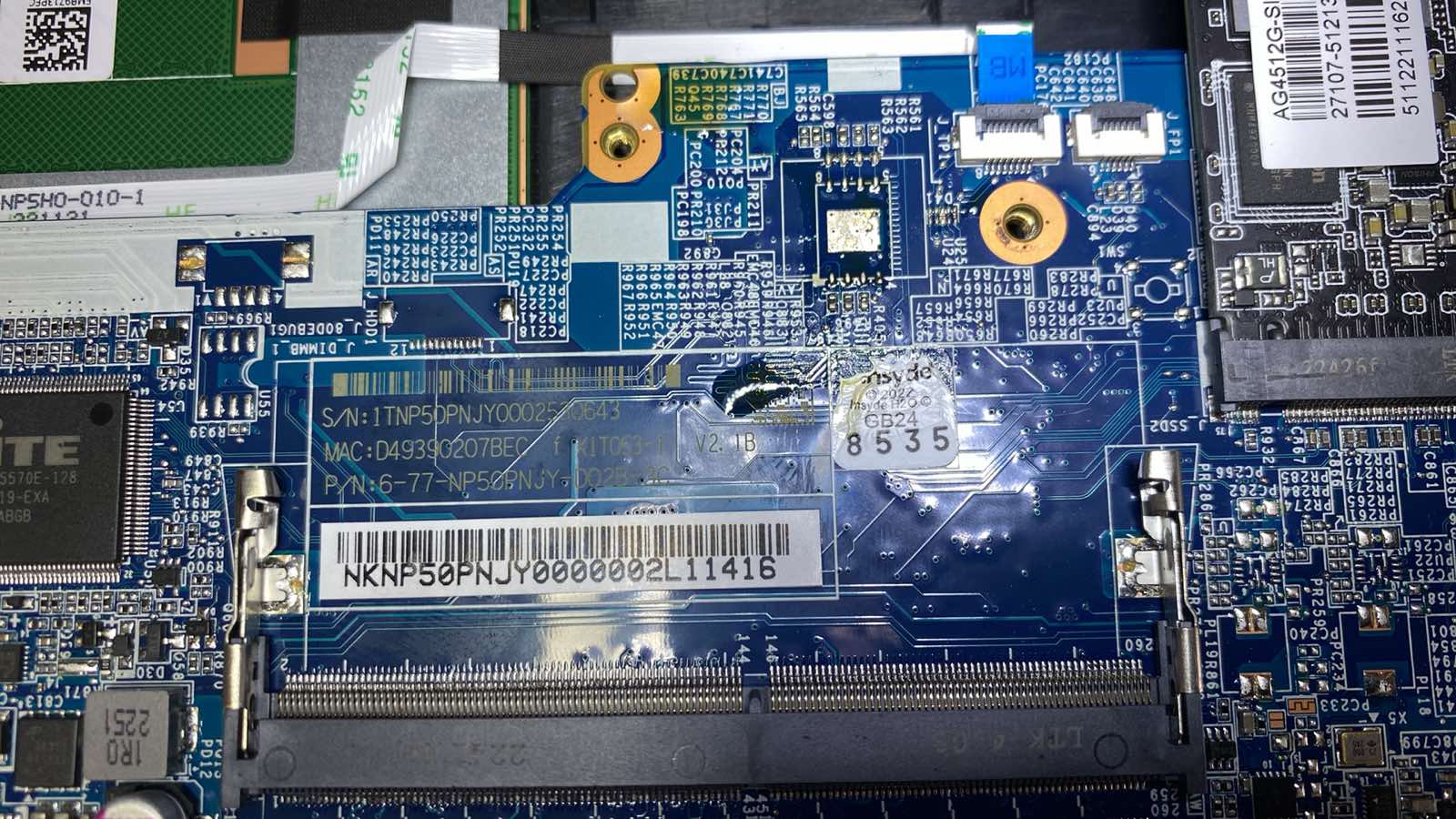
gigabyte rc55 6-77-NP50PNJY
Download list
-
GD25Q256C@SOP16_20250617_132614.BIN.zip7.4 MB · Views: 50


upgigabyte rc55 6-77-NP50PNJ

Right now the laptop doesn't recognize M2?Cannot boot to anything. Not even linux. M.2 drivers are not visible in bios. Couldn't upgrade bios from USB. Is there any way to fix it or upgrade the bios on this .bin?
Already tried the bios above as well but same issue. Thanks for help
Didn't recognize SSD m.2 at all, also didn't boot from USB, just froze. I put there the very old bios that I found on forum and now it's booting from USB, possible to turn on Linux. I updated it to the newest bios, still possible to boot from USB, but cannot see m.2 in biosRight now the laptop doesn't recognize M2?
M2 need buy patch 35$Didn't recognize SSD m.2 at all, also didn't boot from USB, just froze. I put there the very old bios that I found on forum and now it's booting from USB, possible to turn on Linux. I updated it to the newest bios, still possible to boot from USB, but cannot see m.2 in bios
GIGABYTE RC55 KF ¿Cómo soluciono mi problema con la BIOS? No tengo imagen. El voltaje es correcto. Adjunto la BIOS original.
clear giúp Bios RC55
please fix my bios, problem with booting into the system.
gigabyte rc55
6-77-np5rncy0
can is problem GPUthe laptop turns on, boots, the logo at startup is colorful instead of gigabytes, and the nvidia graphics card has error code 10.
you say file this use logo other gigabyte ?Can you give me a bios with a different logo? With the Gigabytes logo?
I also checked this BIOS, there is also a colorful logo, and originally there was only gigabytes
error colorful can not fixI've checked all the BIOSes in this thread, and it always shows the colorful logo. Additionally, the Nvidia driver is missing from the drivers, with a code 10 and the message "The video card driver being started is different from the driver for which the POST test was performed." Therefore, I think it might still be a BIOS issue.

Bỏ một ly cà phê hôm nay.
Ngày mai sửa thêm một chiếc laptop ☕

