

- Star Rating
- 5.00 star(s)
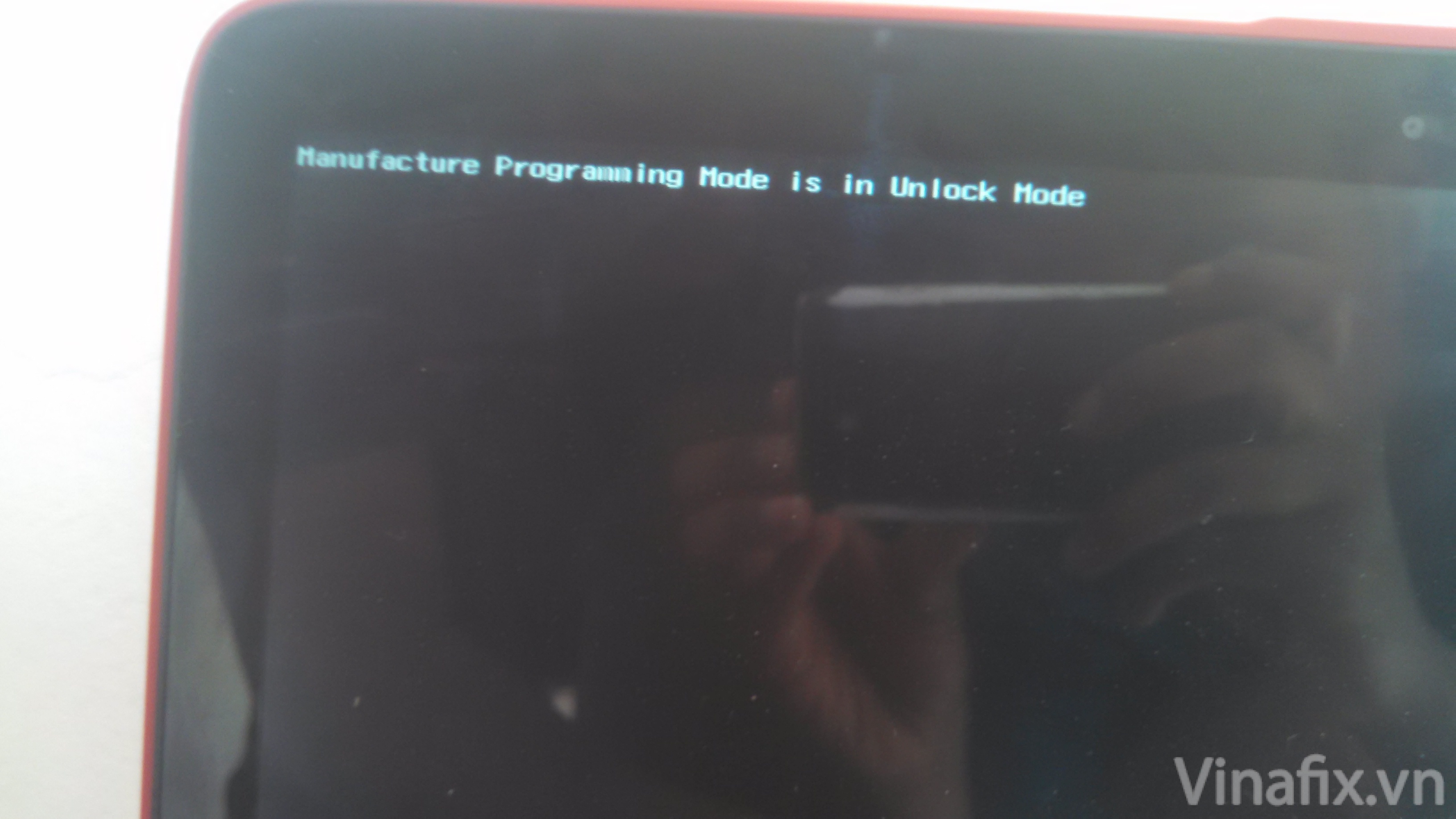
"manufacture programming mode is in unlock mode"
Go to hp website and download the BCU (BIOS configuration utility) sofware. (works with win xp,vista,7,8)
ftp://ftp.hp.com/pub/softpaq/sp63501-64000/sp63610.exe or http://ftp.hp.com/pub/caps-softpaq/cmit/HP_BCU.html
HP BIOS Configuration Utility (BCU)
After you dowload it, install it and go to installation link.
C:\Program Files (x86)Viewel-Packard\Kos configuration utility
Now open cMD(comand promt) by pressin wiN+R->cmd->Enter.
Now type in CMD the followinf comand:
1: cd c:\Program Files (x86)Viewel-Packard\Kos configuration utility
2: Biosconfigutility64.exe/getconfig:config.txt
Don't close the CMD.
Go to :
c:\Program Files (x86)Viewel-Packard\Kos configuration utility There you would see the config.txt document. copy it to Desktop, open and edit Manufacturing Programming mode
( by erasing the " Next to unlock and typing "0" nex to Lock):
From :
Manufacturing Programming Mode
*unlock
Lock
To:
Manufacturing Programming Mode
unlock
*Lock
Now save the chnges you made in txt file, copy the config.txt back to c:\Program Files (x86)Viewel-Packard\Kos configuration utility . Now back to cMD(command promt)
type in:
Biosconfigutility64.exe/setconfig:config.txt
close the CMD and you are DONE.I
A workaround for machines that no longer have the original BIOS to build.
Client Management Solutions - HP BIOS Configuration Utility (BCU)
Go to hp website and download the BCU (BIOS configuration utility) sofware. (works with win xp,vista,7,8)
ftp://ftp.hp.com/pub/softpaq/sp63501-64000/sp63610.exe or http://ftp.hp.com/pub/caps-softpaq/cmit/HP_BCU.html
HP BIOS Configuration Utility (BCU)
After you dowload it, install it and go to installation link.
C:\Program Files (x86)Viewel-Packard\Kos configuration utility
Now open cMD(comand promt) by pressin wiN+R->cmd->Enter.
Now type in CMD the followinf comand:
1: cd c:\Program Files (x86)Viewel-Packard\Kos configuration utility
2: Biosconfigutility64.exe/getconfig:config.txt
Don't close the CMD.
Go to :
c:\Program Files (x86)Viewel-Packard\Kos configuration utility There you would see the config.txt document. copy it to Desktop, open and edit Manufacturing Programming mode
( by erasing the " Next to unlock and typing "0" nex to Lock):
From :
Manufacturing Programming Mode
*unlock
Lock
To:
Manufacturing Programming Mode
unlock
*Lock
Now save the chnges you made in txt file, copy the config.txt back to c:\Program Files (x86)Viewel-Packard\Kos configuration utility . Now back to cMD(command promt)
type in:
Biosconfigutility64.exe/setconfig:config.txt
close the CMD and you are DONE.I
A workaround for machines that no longer have the original BIOS to build.
Client Management Solutions - HP BIOS Configuration Utility (BCU)
Download list
-
Manufacture Programming Mode in Unlock mode MPM.zip3 MB · Views: 2,007
-
4.0.26.1 sp93030.exe.zip8.2 MB · Views: 1,481


