What's new

BIOS Legion Pro 7 16IRX8H, Legion Pro 7 16IRX8, Legion Pro 5 16IRX8 Y9000P13 I9 4060 NM-F091

Star Rating
5.00 star(s)
Y9000P13 I9 4060 NM-F091
BIOS
Legion Pro 7 16IRX8H, Legion Pro 7 16IRX8, Legion Pro 5 16IRX8 kwcn42ww
Schematics NM-F091.pdf
boardview NM-F091.cad
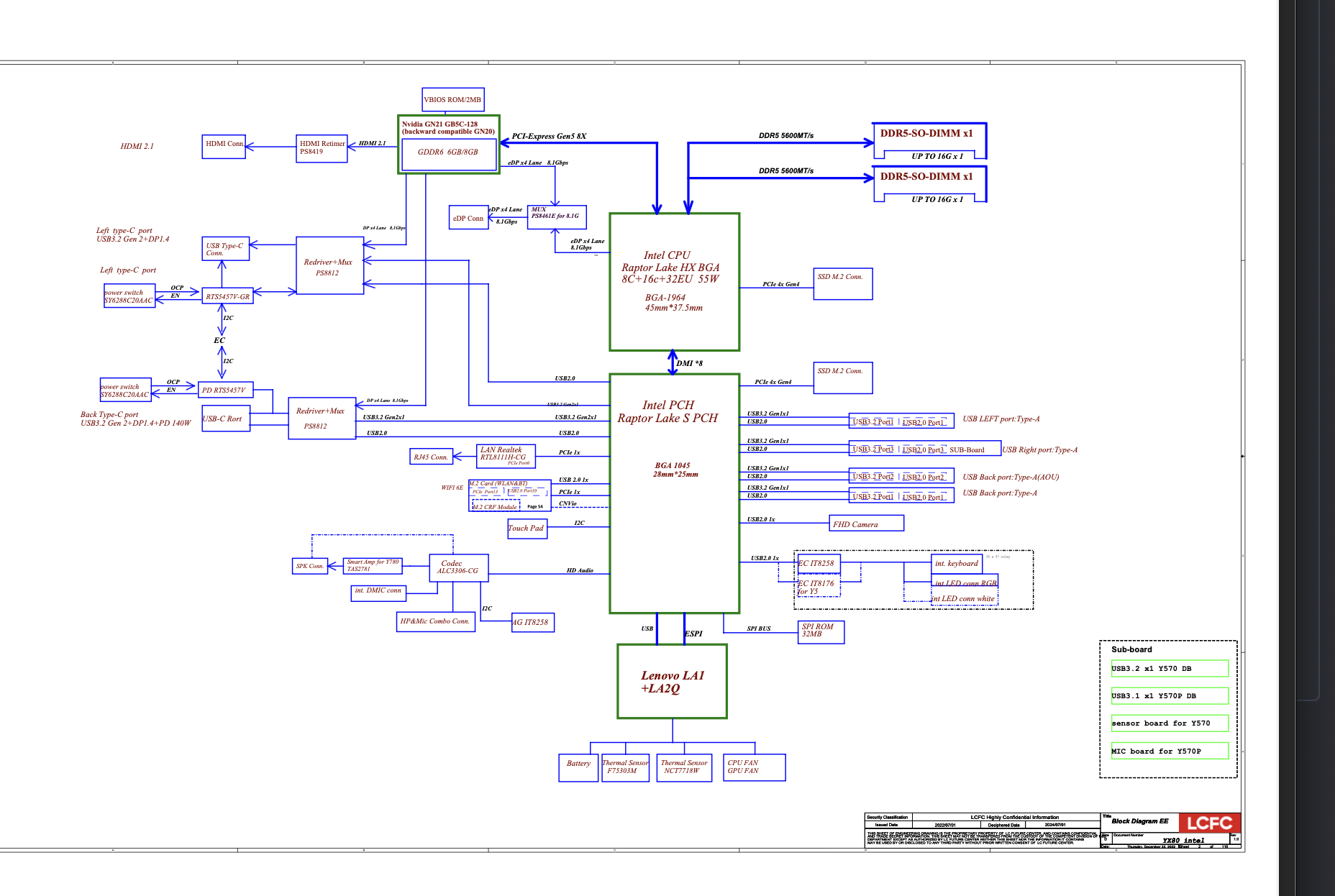
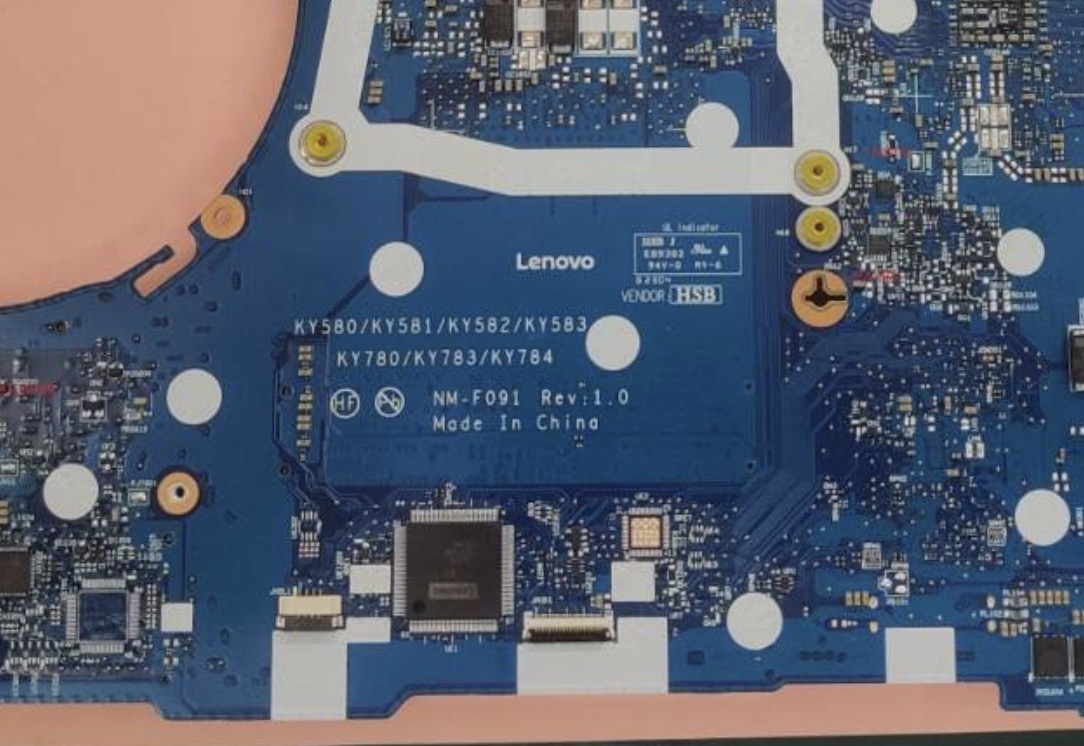
Screenshot 2025-11-05 at 9.45.42 PM.pngVinafix 2023-12-05 at 15.48.24.jpg
 

Download list

8mb.bin.zip
1.8 MB · Views: 309

16mb.bin.zip
8 MB · Views: 341

NM-F091.pdf
2.6 MB · Views: 260

EC.bin.zip
72.3 KB · Views: 29

NM-F091.cad.zip
228.3 KB · Views: 3

Last edited:

Legion Pro 7 16IRX9H SYSTEM BOARDS NM-F751 .During a BIOS update, the laptop switched off. Now it turns on but doesn't display an image and switches off after about 50 seconds, emitting a single beep.Please fix the file for me​


Download list

[email protected]
16 MB · Views: 7

Greetings. I need to rebuild the image. The one posted on this page doesn't display correctly; it works for three days, then the image goes blank again, and the graphics card shows a conflict. I'm sending the original file for you to rebuild.
 

Download list

legion.rar
6.3 MB · Views: 0

Greetings. I need to rebuild the image. The one posted on this page doesn't display correctly; it works for three days, then the image goes blank again, and the graphics card shows a conflict. I'm sending the original file for you to rebuild.
I think you need check GPU
 
Back
Top