BIOS Dell XPS 13 7390 2-in-1 DDP31 LA-G172P

Star Rating
5.00 star(s)
Dell XPS 13 7390 2-in-1
BIOS, 10th, DDP31 LA-G172P
13.0.0.1082
Schematics boardview
LA-G172P R10-0527.brd
XPS 13 7390 2-in-1 centenario mb 20190529_pvt_bom.pdf
LA-G172P.cad
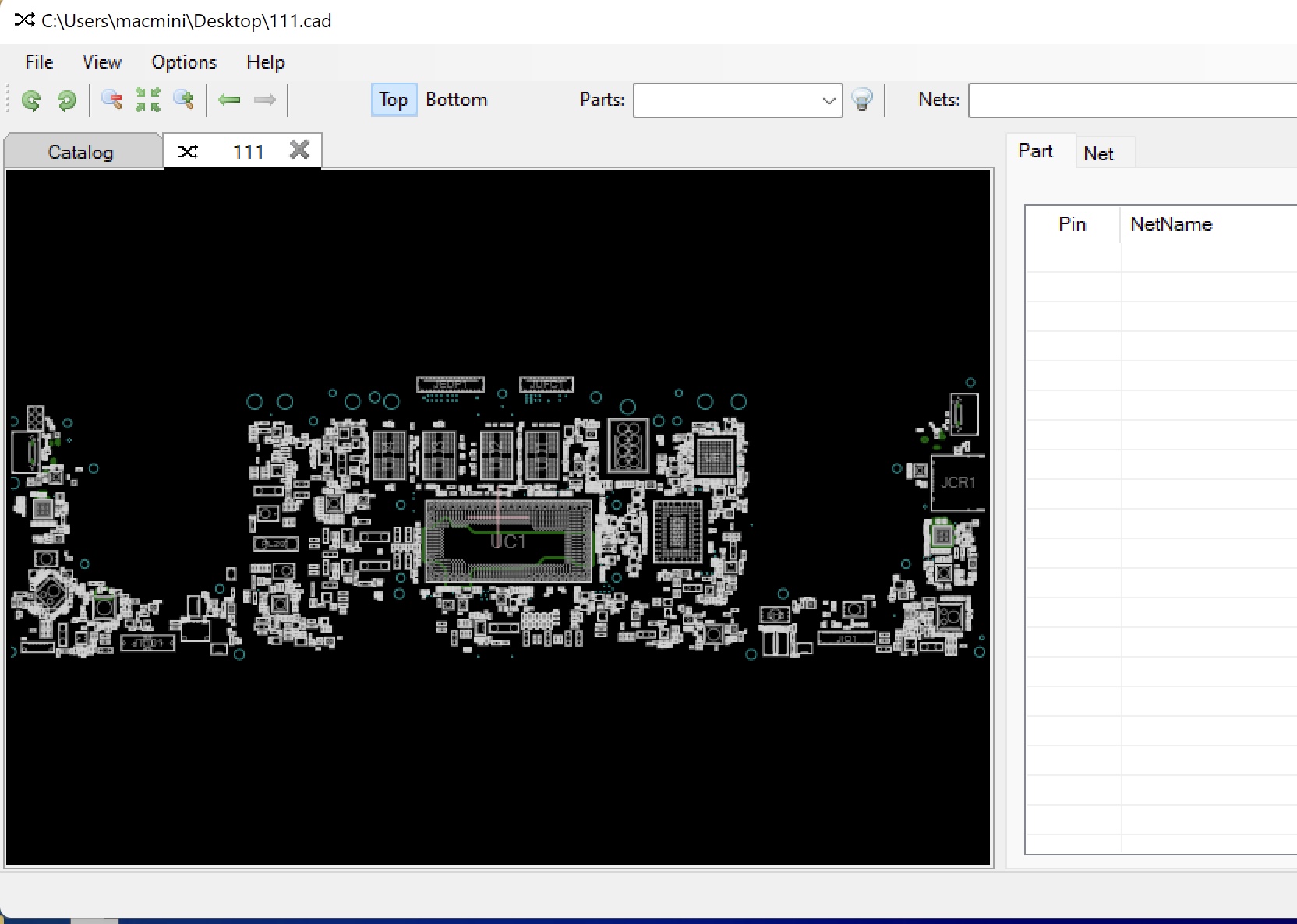
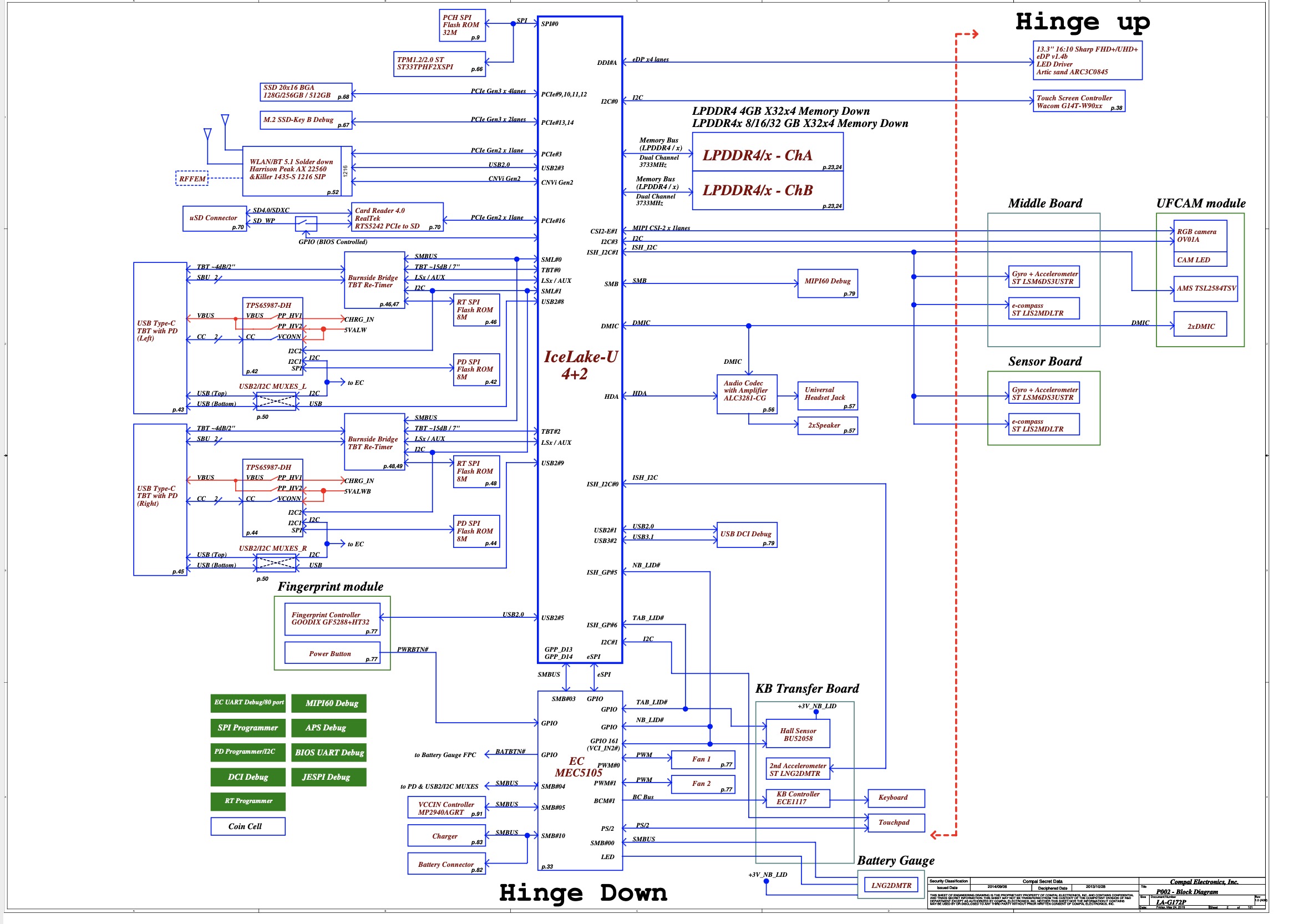
Vinafix 52.jpg Screen Shot 2020-07-11 at 22.16.21.jpg
 

Download list

same problem =(
What else could be the problem? Maybe you still need to flash UPD4?

Let me remind you of the problem again. Stuck on the logo, the fan is spinning and the keyboard backlight is on. I read in another forum that to modify and fix the BIOS you need a service tag number and all possible information about the motherboard.
Motherboard: DDP31 LA-G172P Rev: 1.0 (A00)
Service Tag: D3YPN53
Chip: 25B256DYIG

I'm attaching the original bios again.
 

Download list

Last edited:
same problem =(
What else could be the problem? Maybe you still need to flash UPD4?

Let me remind you of the problem again. Stuck on the logo, the fan is spinning and the keyboard backlight is on. I read in another forum that to modify and fix the BIOS you need a service tag number and all possible information about the motherboard.
Motherboard: DDP31 LA-G172P Rev: 1.0 (A00)
Service Tag: D3YPN53
Chip: 25B256DYIG

I'm attaching the original bios again.
same problem is bios good
 

Similar threads

Back
Top