What's new

BIOS ACER GH51G/GH71G/GH53G/GH57G/GH73G LA-L181P

Star Rating
5.00 star(s)
ACER GH51G LA-L181P BIOS
GH51G/GH71G/GH53G/GH57G/GH73G
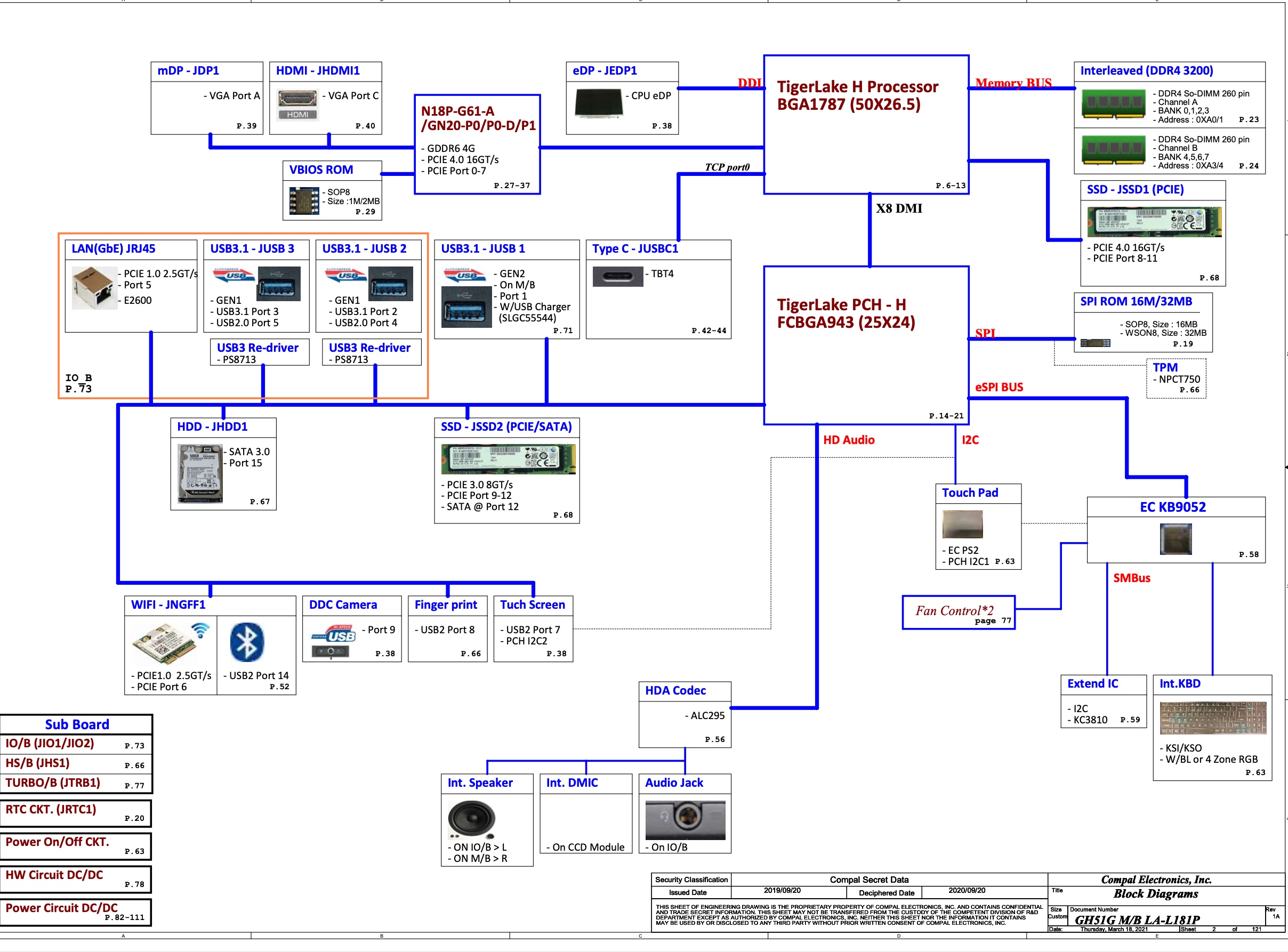
GH51G_GH71G_GH53G_GH57G_GH73G_LA-L181P R1A Schematics, boardview, BIOS

LA-L181P.jpgLA-L181P Schematics.jpg
 

Download list


LAL181PR1A_Main Board.bdv.zip
486.5 KB · Views: 5,653

GH51G LA-L181P REV1B.bin
16 MB · Views: 2,631

EC.bin.zip
65.3 KB · Views: 1,529

32mb.zip
9.6 MB · Views: 809

Greetings from Colombia Mr. ThienBui. A week ago i tried to restore my original bios after unlocking it for undervolting, action which ended up corrupting my bios so i reprogrammed the xmc QH128AHIG bios chip using ch341a and IMSProg in Linux. I backed up the chip corrupted bios and reflashed a new one from the GH5XGx64_TI.fd extracted from acer's bios file.
At the beggining, i was glad cause i solved the problem, fan control is good, battery cap at 80% works, and could boot in my windows, but realized that my RTX 3050 (error 43) and many other things (like usb hub micro sd) seemed to be driverless so i reinstalled nvidia drivers and even used ddu without success. I tried replacing the bios region of the corrupted file with the .fd one, and with the old one which was a backup from just before it got damaged and nothing. Also, i tried a new windows installation from 2nd m.2 and noticed that without the original m.2 it didn't recognized it in bootable windows usb so i had to run intel std driver from the usb itself to be able to install windows, do i need a nvme patch? The laptop never had an electric problem.
I'm wondering if you can help me to solve this problem, my laptop is an acer nitro an515-57-71tt i711800h RTX3050 board GH51G LA-181P Rev:1C i'm not a professional at the topic. Thank you.
 

Download list

Captura de pantalla 2026-02-26 074106.png Captura de pantalla 2026-02-26 074040.png
corrupted bios backup.bin
16 MB · Views: 0

Last edited:
Greetings from Colombia Mr. ThienBui. A week ago i tried to restore my original bios after unlocking it for undervolting, action which ended up corrupting my bios so i reprogrammed the xmc QH128AHIG bios chip using ch341a and IMSProg in Linux. I backed up the chip corrupted bios and reflashed a new one from the GH5XGx64_TI.fd extracted from acer's bios file.
At the beggining, i was glad cause i solved the problem, fan control is good, battery cap at 80% works, and could boot in my windows, but realized that my RTX 3050 (error 43) and many other things (like usb hub micro sd) seemed to be driverless so i reinstalled nvidia drivers and even used ddu without success. I tried replacing the bios region of the corrupted file with the .fd one, and with the old one which was a backup from just before it got damaged and nothing. Also, i tried a new windows installation from 2nd m.2 and noticed that without the original m.2 it didn't recognized it in bootable windows usb so i had to run intel std driver from the usb itself to be able to install windows, do i need a nvme patch? The laptop never had an electric problem.
I'm wondering if you can help me to solve this problem, my laptop is an acer nitro an515-57-71tt i711800h RTX3050 board GH51G LA-181P Rev:1C i'm not a professional at the topic. Thank you.
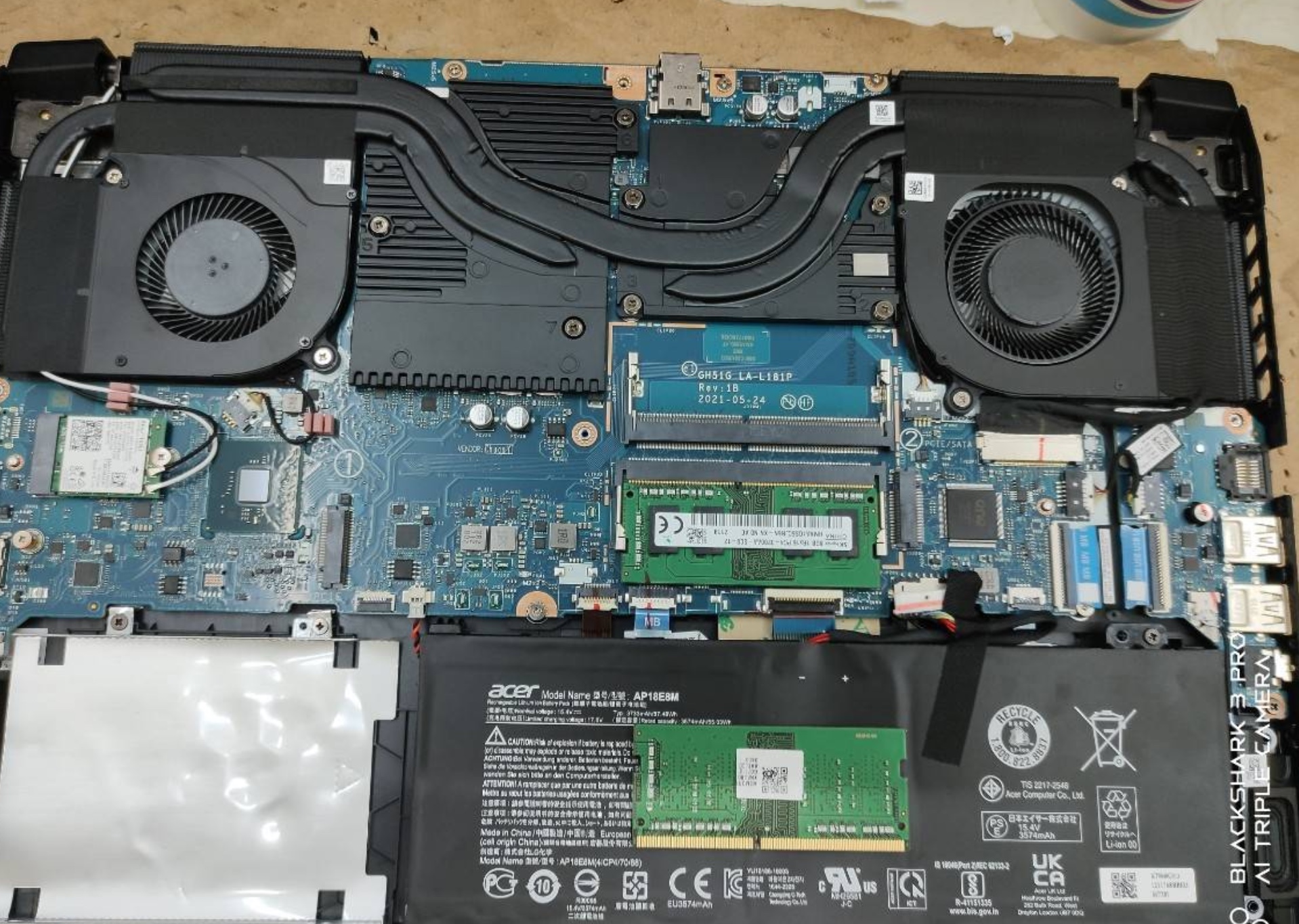
 

I am currently running a bin i built from the descriptor region and me region of corrupted bios merged with the bios backup left before the update. It detects my m.2 windows boot manager and runs windows but has the problem i described before of the rtx 3050 (code 43).

I tried to flash builds56.bin but doesn't detect windows boot manager. Like i mentioned the laptop doesn't have electric problems, it doesn't detect properly some things being the main problem the rtx.

Can you please help me sir?

20260226_165416.jpg
 

Download list


Latest posts

Back
Top