- Star Rating
- 5.00 star(s)
so it's not a BIOS problemnot detect nvme after replace pch
so it's not a BIOS problem
plz build biosso it's not a BIOS problem
bena-l181p rev.1c
late image won't boot
a thiện buid lại giúp em
plz clean me
in this case you need to try another bios, itself is failing, builds won't solve the problemgood day i have nitro5 here 11th gen cpu and rtx3060 gpu..the issue is after failed of bios update it is still have display but when installing the gpu driver it keeps on BSOD..even after fresh installed OS..can you please build or repair this bios?? thanks in advance
do you have backup of good bin file for this model? mine is rev 1cin this case you need to try another bios, itself is failing, builds won't solve the problem
many abovedo you have backup of good bin file for this model? mine is rev 1c
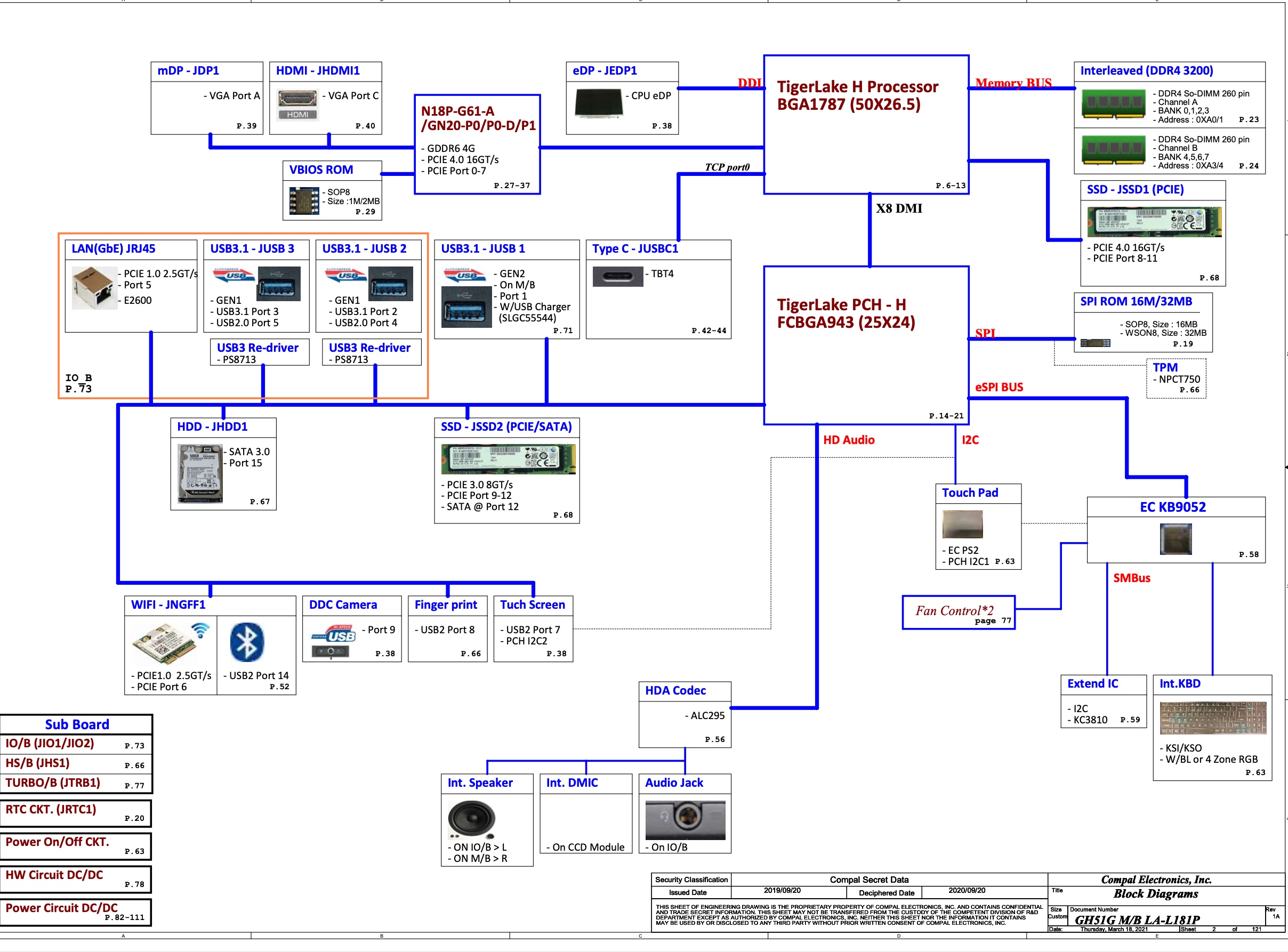
ACER GH51G LA-L181P BIOS
GH51G/GH71G/GH53G/GH57G/GH73G
GH51G_GH71G_GH53G_GH57G_GH73G_LA-L181P R1A Schematics, boardview, BIOS
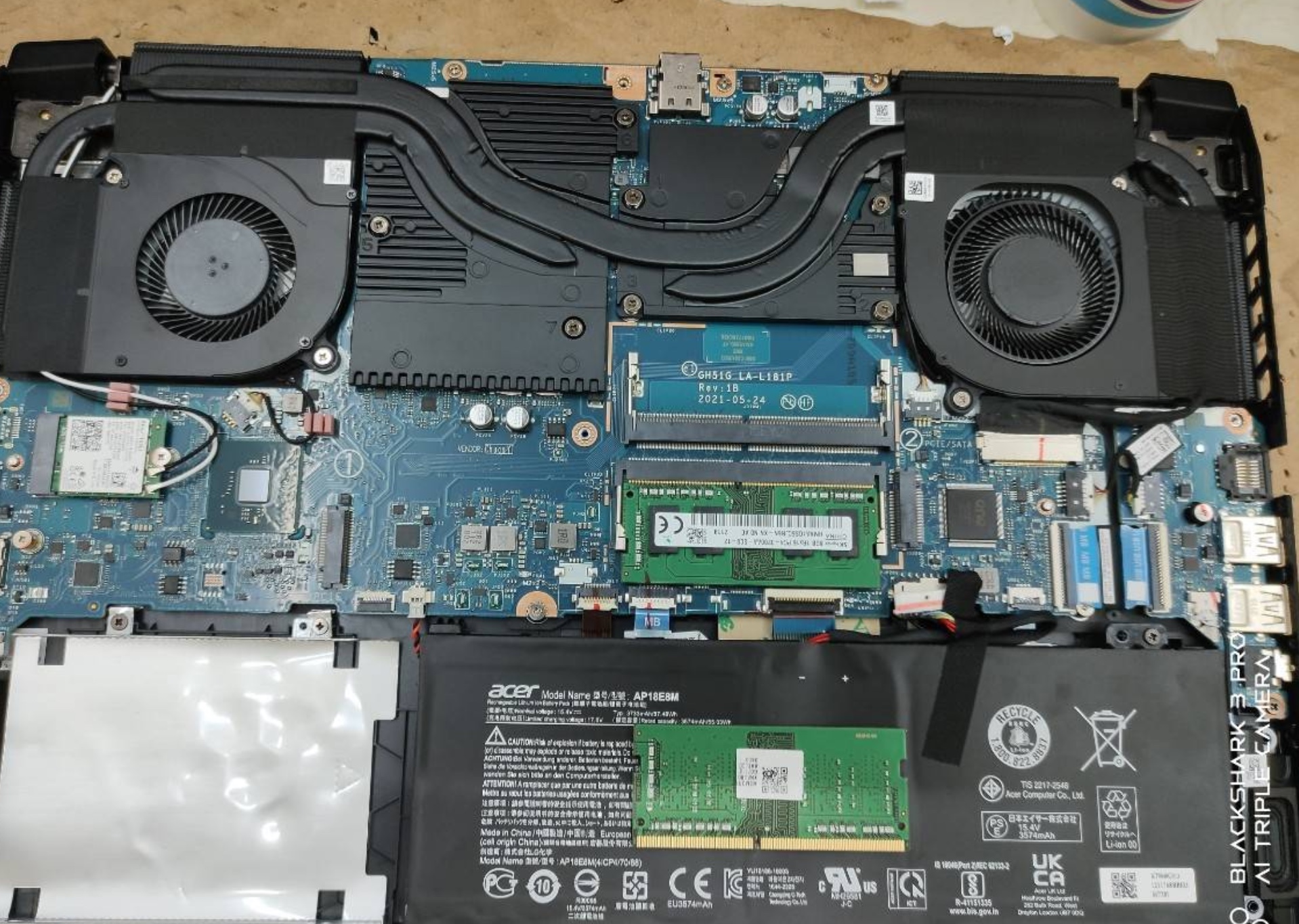
View attachment 167752View attachment 167755
32mb.bin.zipNEED BIOS FOR THIS
clear giup e. e cam on
sir i already tried 3 of those bin files but my nvme not detected..but when i tried my old backup orig bin file it was detected and working on windows,,but the gpu driver cant install..have yellow marking on the device managermany above
send I 1 file BIOS thissir i already tried 3 of those bin files but my nvme not detected.
this one ,..i tried thissend I 1 file BIOS this