What's new

BIOS 15ALC7-NM-E541

Star Rating
5.00 star(s)
15ALC7-NM-E541
IdeaPad 1 15ALC7 - NM-E541 REV1.0 BoardView.tvw
NM-E541 R0.1.pdf
NM-E541 R1.0.pdf
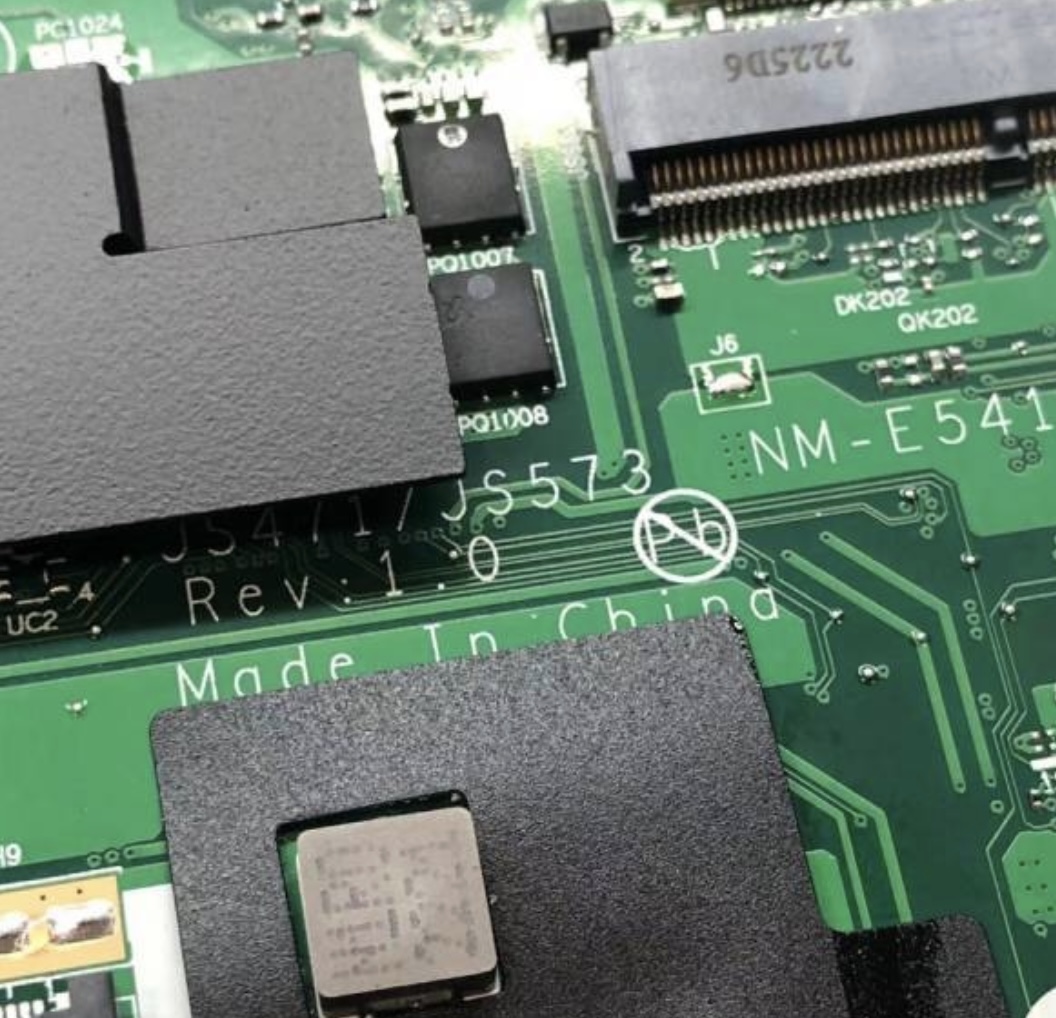
Vinafix 2022-10-17 at 13.19.48.jpg
IdeaPad 1 15ALC7 - NM-E541 REV1.0 BoardView.tvw
 

Download list

NM-E541.BIN.zip
9.5 MB · Views: 687


NM-E541 R0.1.pdf
9.6 MB · Views: 274

NM-E541 R1.0.pdf
3.2 MB · Views: 247

Last edited:
Thanks. I programmed the BIOS with your file, but nothing changed. I have the same result with other bios files that I have. The laptop still hasn't video output. All the voltages are present. As for the current draw on the oscilloscope, I see an initial frame and then a constant current of around 500mA without any change.

So, the only thing left to check are some signals from the EC and AMD CPU (with the PCH inside). From what I've seen, PLTSRC isn't activating at all. Does this mean my CPU is damaged?
 
Thanks. I programmed the BIOS with your file, but nothing changed. I have the same result with other bios files that I have. The laptop still hasn't video output. All the voltages are present. As for the current draw on the oscilloscope, I see an initial frame and then a constant current of around 500mA without any change.

So, the only thing left to check are some signals from the EC and AMD CPU (with the PCH inside). From what I've seen, PLTSRC isn't activating at all. Does this mean my CPU is damaged?
What do you think @ThienBui ? Maybe the CPU/FPH its damaged?
 
Este bios da imagen ok. Concuerdo con link-core. En otras ocaciones ha sucedido lo mismo, el bios que nos proporciona no esta bueno y nos dice que chequiemos el hardware. Le pido de favor que revise mejor la informacion que sube al sitio web porque de ella depende nuestro trabajo. Gracias
this bios is perfeectly working in AMD
 
Back
Top